

 Audience: All Users
Traveler’s schedules are constantly in flux, you need to empower them with a flexible tool that alerts them of travel disruptions and helps thee while on-the-go.
As part of AmexGBT Spend Management Platform, travelers also have access to the Amex GBT Mobile app which provides travel booking, trip itineraries and updates and access to Travel Counsellors in a single click on Apple iOS and Android platforms free of charge.
A Single Itinerary:
Air, hotel, car, rail, and ground transportation bookings—all viewable in one united itinerary that automatically updates.
Air, hotel, car, rail, and ground transportation.

Duty of Care:
When disruptions happen, know where your travelers are with Expert Care and help them get on their way with Proactive Traveler Care.

Overview
Download the AmexGBT Mobile App
Download the Amex GBT Mobile app from the App Store or Play Store. Once downloaded, go through new new account signup process ensuring you use your business email address (this is how we link to your travel profile)

Open the app, select Create Account | select, continue | Complete the fields (use your AmexGBT Spend Management platform account email)  |
| An email will be sent to verify your account  |  |
| Login using your chosen username  | From the home screen, select book your travel  | you will be prompted to scan a QR code  |
Finding your QR code for account activation
To enable travel booking you need to read a QR code from the screen from within your account.
To find your QR code:
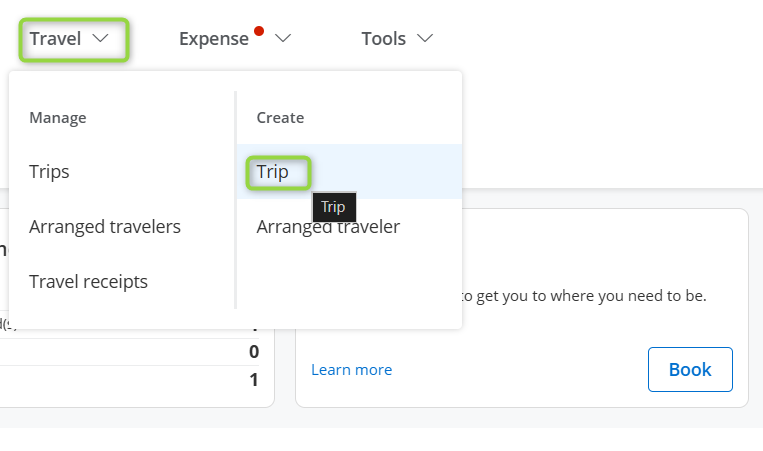
Login to your profile, from the menu click Travel > Create - Trip. Select Me on the next screen (as applicable) and then Confirm.
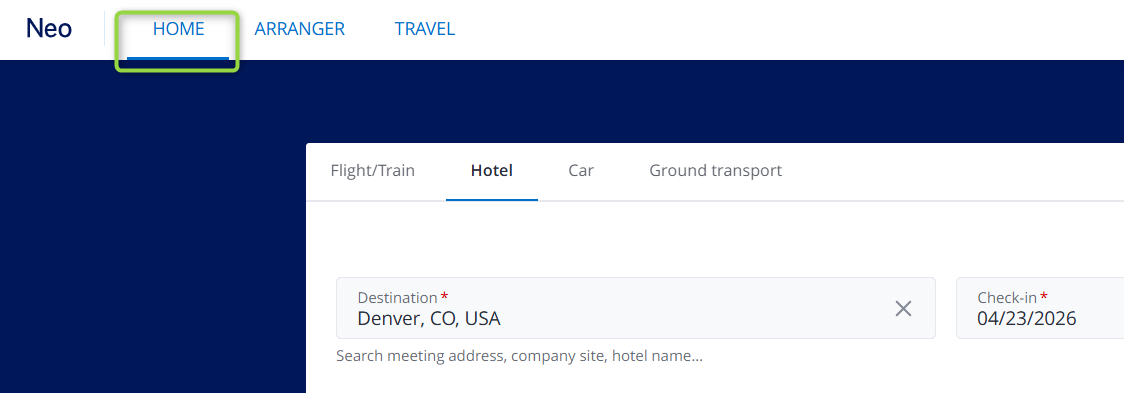
Once the Neo secondary tab opens, click Home on the top menu.
In the Home page, click the Mobile App tile.

Within the pop-up, click Activate new device
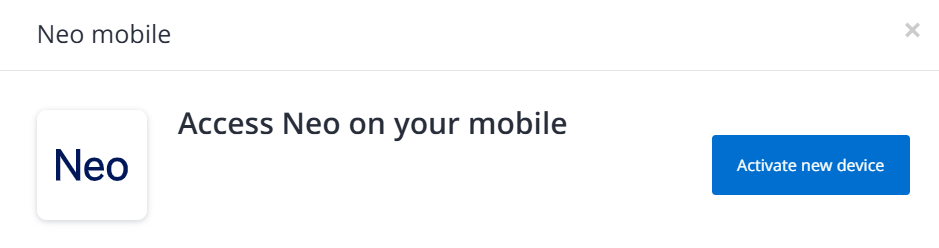
You will be shown a QR code. Within the Amex GBT Mobile app, click on Book your travel. Scan the QR code with your mobile camera and click Activate Account.

You can now book travel on GBT Mobile!